
























































How to Get Started with Android Programming
Dec 01, 2018 00:45
Many programmers want to be engaged in the development of applications for Android. But only a few of them fully represent what steps need to be taken here. This collection of short instructions is designed to help you in the Android-development.
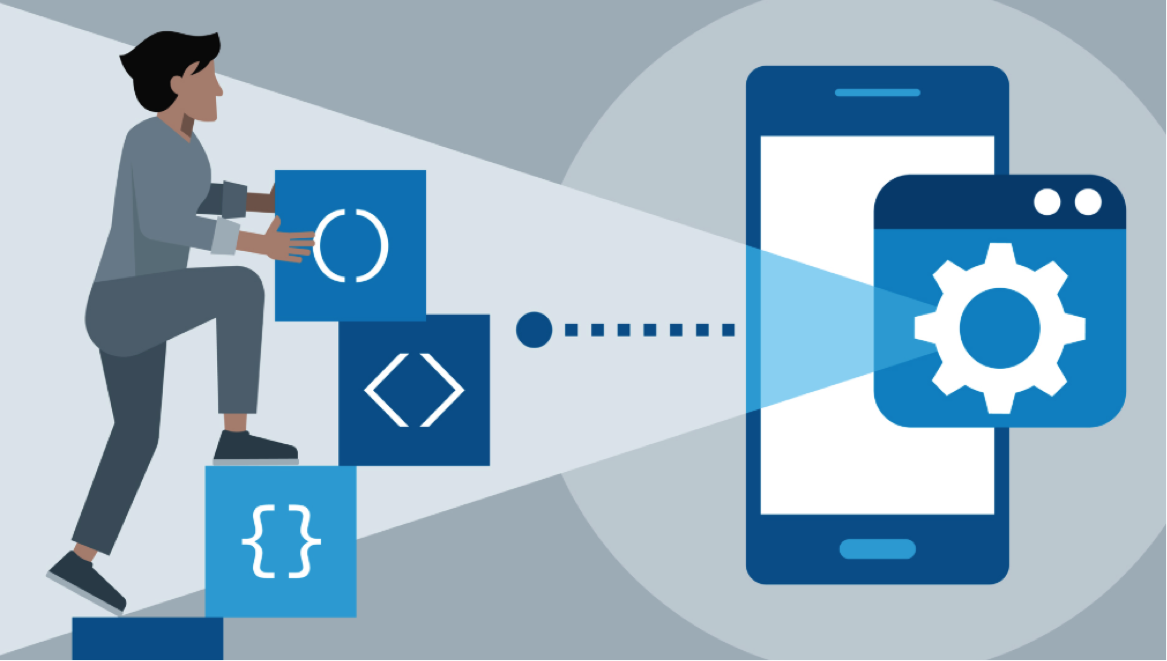
To begin, you should remember that for Android programming you will need to have at least intermediate knowledge of Java 1.6. Since this programming language is the basis for the many stages of programming Android. In addition, this knowledge will help you understand all the concepts and examples that will be displayed in many textbooks, articles, and journals.
In order to get started with Android programming follow these instructions toolbar:
First, you need download free or paid Android Studio version, for example, 1.5 or 2.0. The last one is newer and Java development kit version 1.6 or another one.
Then you should install the first program that is Android studio. Please note that if you have some version already installed you can just put the settings to a new window, if not follow all instructions that product development give you during the installation.
The next stage is the downloading an SDK, platform for Android and Virtual device. These components are extremely important for your future Android programming.
Then starting to create your new project. To do this open “Quick Project” menu and choose “Start a new Android studio project” option.
Source code edition is also an important stage of full Android programming. After you make a new project and do all necessary actions start to edit your source code.
After complete doing of all these stages, you can try run your application on the emulator. It will help you to see how your future program will look and work.
Conclusions
In this article, you get short instructions on how to set up your own Android program and how to get started with it. And now, we will tell you some useful tips about Android programming.
Android programs mostly work separate and do not coincide with the main operating system.
Letters up mean that Density Independent Pixels is only the correct way of defining fields sizes, margins and so one.
FindViewById button will help you to return view to of a superclass to the text view.
We are expecting that these instructions and tips will be useful in your starting of Android programming.