





















































2 Important Features of Your Router That You Should Use
Apr 25, 2017 07:44
For many people, a wifi router can only give you internet access and nothing else. What they don't know is that their router is capable of doing much more advanced tasks such as QoS, shared printing, NAS etc. The 2 such features we'll discuss here, are Guest access and parental controls.
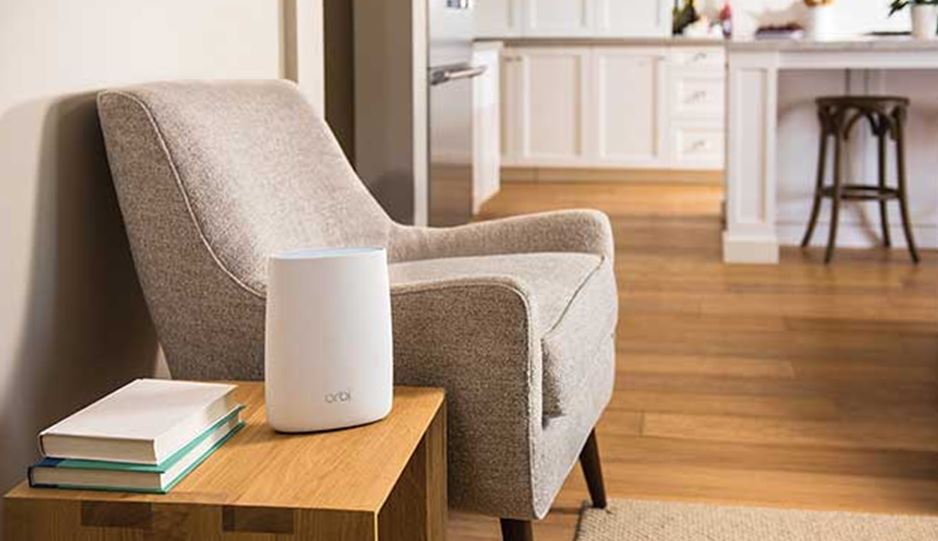
This feature means that you can have a different network name for a guest network and a person can access the internet through that network. Other important networking tasks like shared files or NAS drives won't be available in a guest network.
If you have a more advanced wifi router, then you can do even more customization such as setting the bandwidth limit for guests, at which times they can go online or even which website they can visit. Apart from this, there is also an option for choosing a specific band for your guest network - if you have a dual band wifi router.
You can set an easy password for your guests so that they can remember it. It's better to change your guest password from time to time.
OpenDNS allows you to block certain types of sites.
Guest Access
There are many times when some of our family members or friends might choose to stay in our houses. Now it's obvious that they will use your wifi connection. But it's not advisable to tell your wifi password to each and every person. A much logical and simpler option is Guest Access Feature.This feature means that you can have a different network name for a guest network and a person can access the internet through that network. Other important networking tasks like shared files or NAS drives won't be available in a guest network.
If you have a more advanced wifi router, then you can do even more customization such as setting the bandwidth limit for guests, at which times they can go online or even which website they can visit. Apart from this, there is also an option for choosing a specific band for your guest network - if you have a dual band wifi router.
You can set an easy password for your guests so that they can remember it. It's better to change your guest password from time to time.
How to setup a guest network
There is one problem in this regard. Every wifi router has different settings to setup a guest network. If your existing router doesn't support a guest network, then you'll probably need to get a separate router or wireless access point. A less expensive but more technical alternative is to install an open-source firmware such as DD-WRT on your current router.Parental Controls
If you have kids in your house, parental controls are more than important. They're necessary. The Internet is filled with inappropriate ads, adult websites etc. Using parental controls, you can block access to that site. There are 3 ways to implement parental controls on your wifi network.Use your router
There are many routers nowadays that come with built-in parental controls. If your current router has parental controls then its very easy to set'em up. You simply need to go to your router settings and set up parental controls. If your router doesn't have parental controls then you can change your router's DNS server settings to use OpenDNS.OpenDNS allows you to block certain types of sites.